







Pick to Colour Cart

Smarter, Faster Order Picking

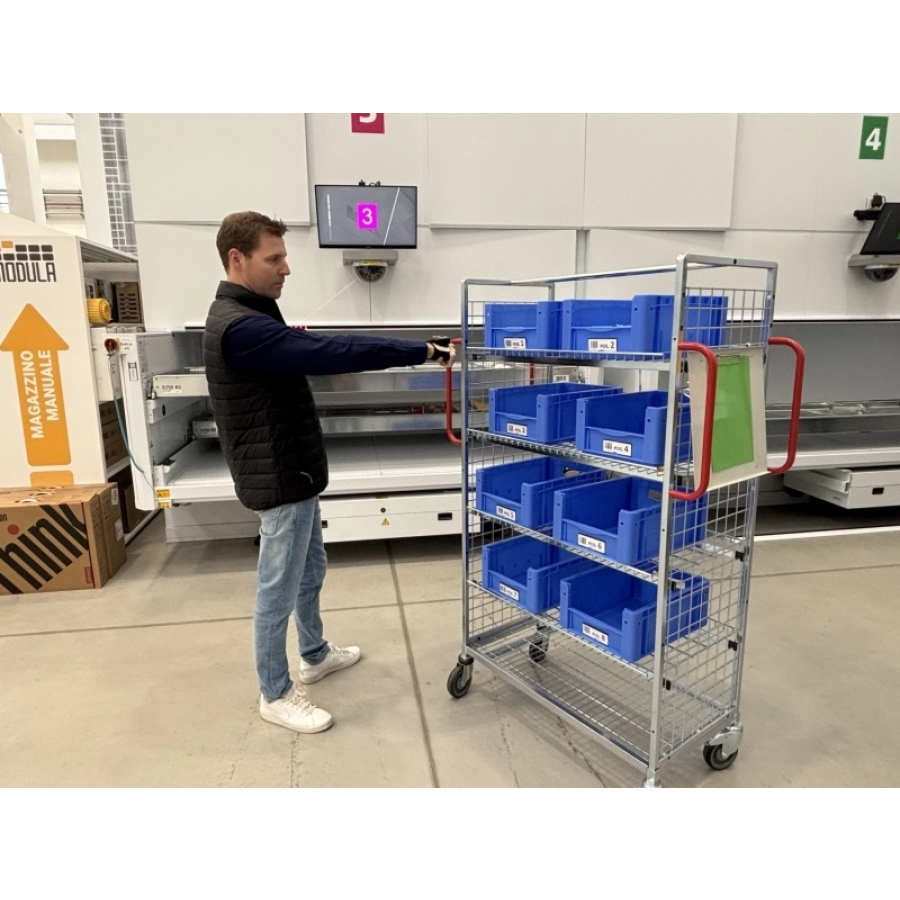
Introduced in Modula WMS version 3.10.22, the Pick to Colour Cart feature simplifies multi-order picking by assigning each cart a unique colour, making it easy for operators to identify and manage their orders quickly and accurately throughout the picking process.

Working alongside Modula WMS, the system provides clear visual guidance that helps reduce errors, cut down on confusion, and keep workflows moving – all without the complexity of a dedicated Put-to-Light setup.

Cart assignments can be handled manually through the WMS interface or left to the system to distribute automatically, balancing workloads across operators. Jobs can be queued ahead of time or actioned straight away, depending on what the operation needs at any given moment.

A straightforward management screen within Modula OS gives operators full visibility over cart activity and order progress, keeping the warehouse floor organised and order preparation running smoothly.

Pick to Colour Cart

Watch Live Demo

Smart Display Assistance

To further facilitate the operator’s activities, the Smart Display application provides detailed visual instructions, displaying all the information necessary for picking and distributing items to carts.

During the picking operations, the screen colour aligns with the cart in use, providing the operator with clear, visual guidance.
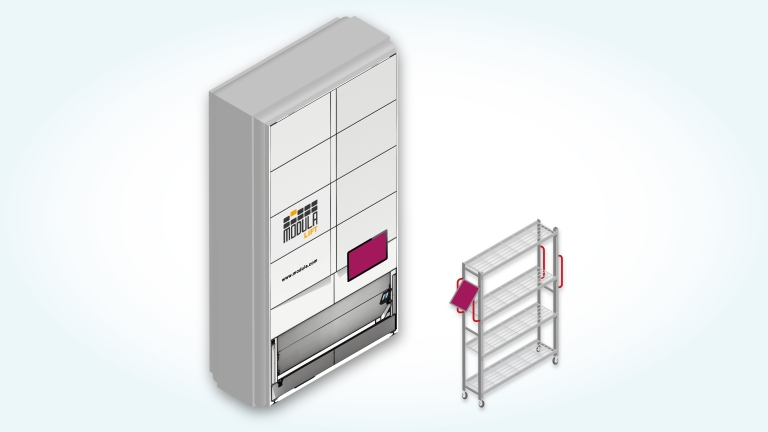
The Smart Display, installed on a mini PC or PC Stick, can be mounted directly on the carts using the custom Modula bracket.

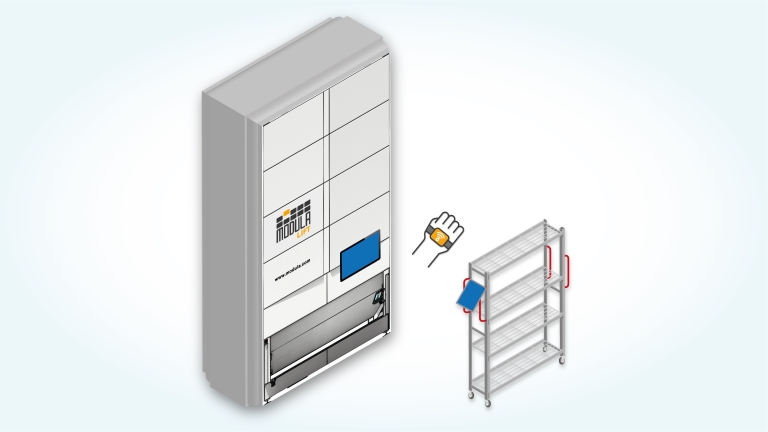
Thanks to a wearable barcode scanner, the operator can effortlessly confirm the position of the picked item on the cart, thus minimising errors and improving operating speeds.

The system guides the operator using a combination of text, images, and colours, making the picking process quick and intuitive.

Barcode scanning confirms the position of each item on the cart, ensuring precise and comprehensive control.

Configurations for Picking Cart Management

Each configuration is built to make picking more intuitive and keep productivity high, fitting naturally into the flow of any warehouse operation.

Cart with Smart Display

This setup pairs the cart with a Smart Display that delivers clear visual picking guidance through colour-coded information and on-screen text, helping operators work faster and with greater accuracy.

Pick to Colour Cart

Cart with Smart Display and Wearable

Building on the Smart Display configuration, this option adds a wearable barcode scanner so operators can keep their hands free throughout the picking process. Item positions on the cart can be confirmed quickly, keeping things moving without interruption.

Pick to Colour Cart